Shop anywhere
Your money, right beside the price.
Roughly works on the websites you already use, in more than 150 currencies. The original price stays put, with your currency next to it.
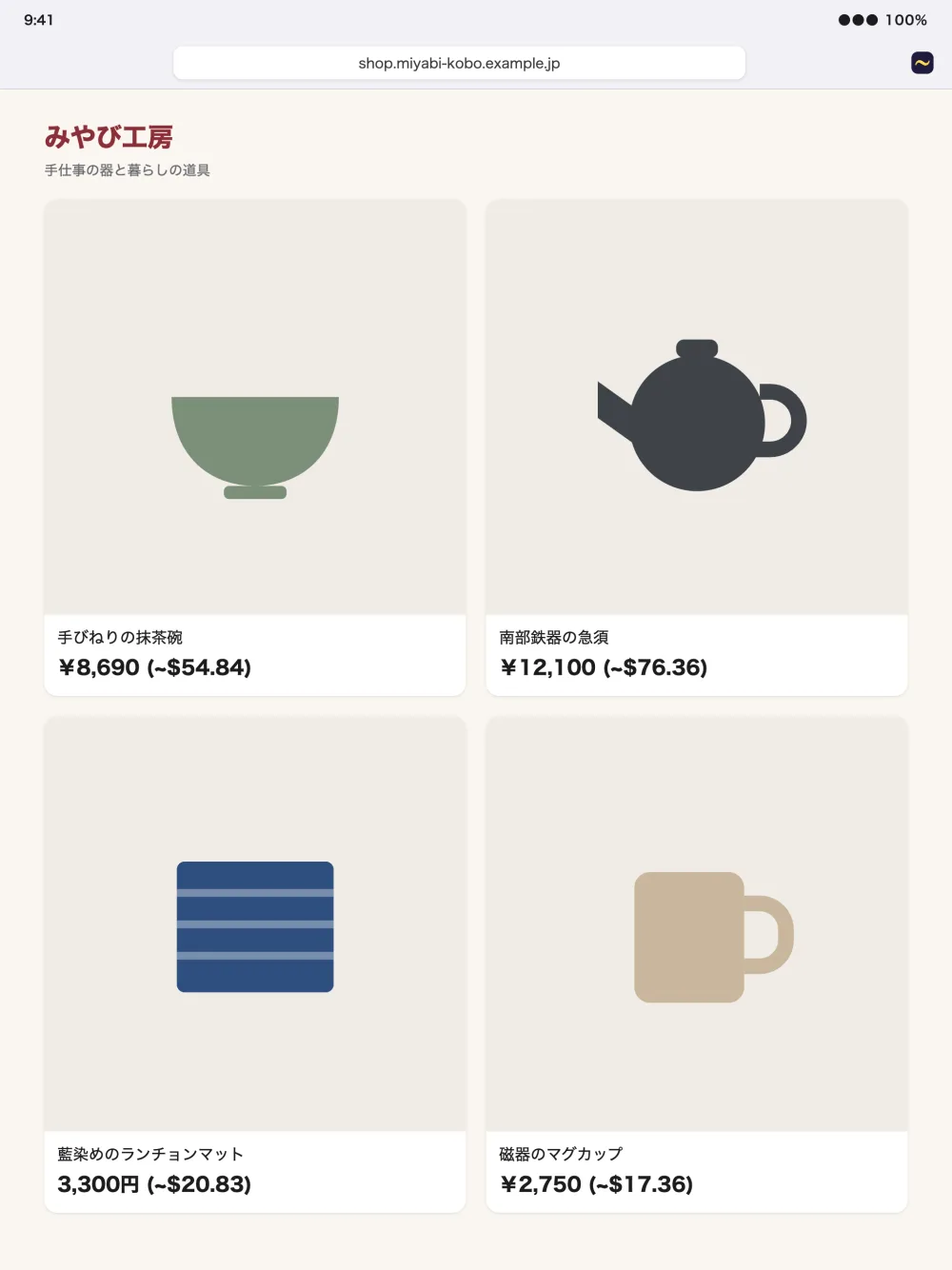
Roughly shows prices on the websites you visit in your own currency, right on the page. No copying numbers into a converter.
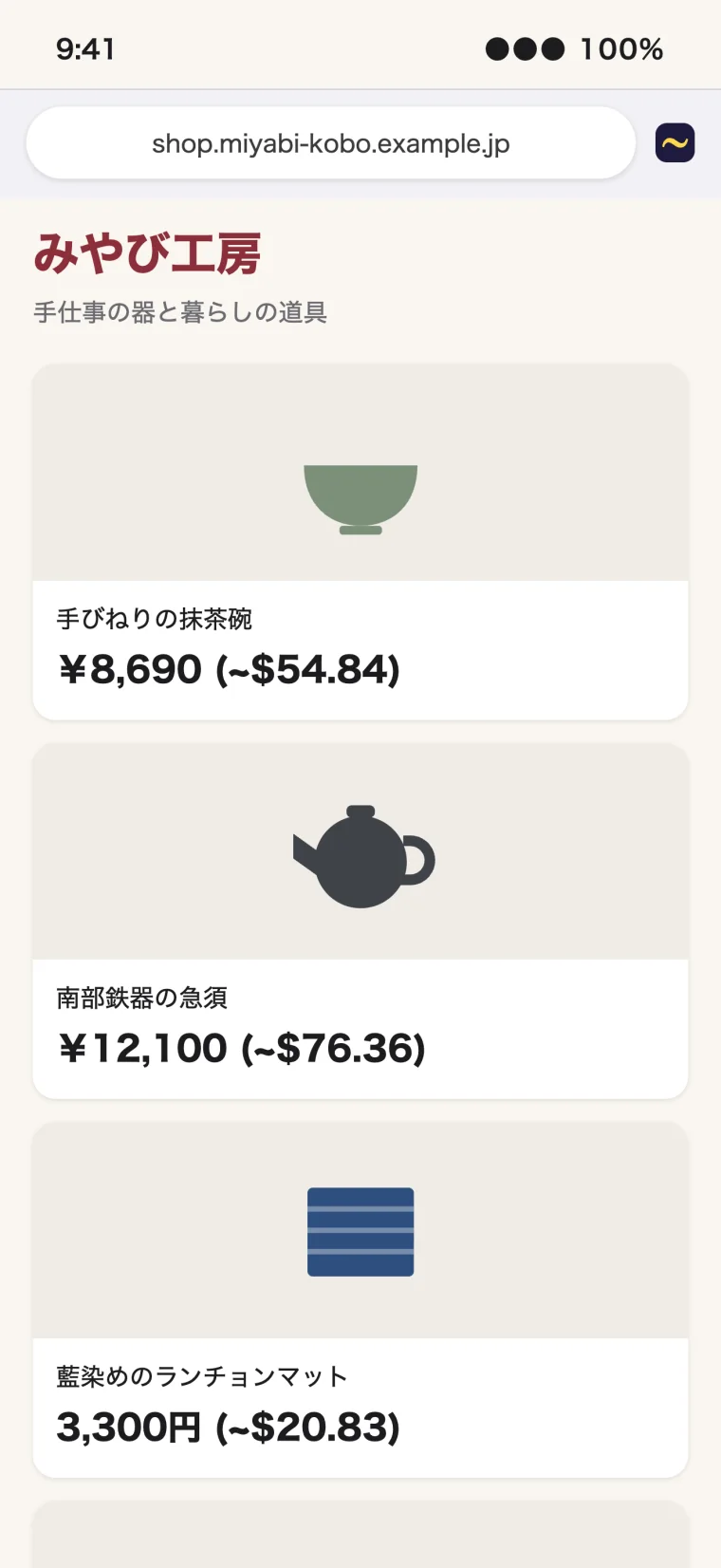
Roughly works on the websites you already use, in more than 150 currencies. The original price stays put, with your currency next to it.
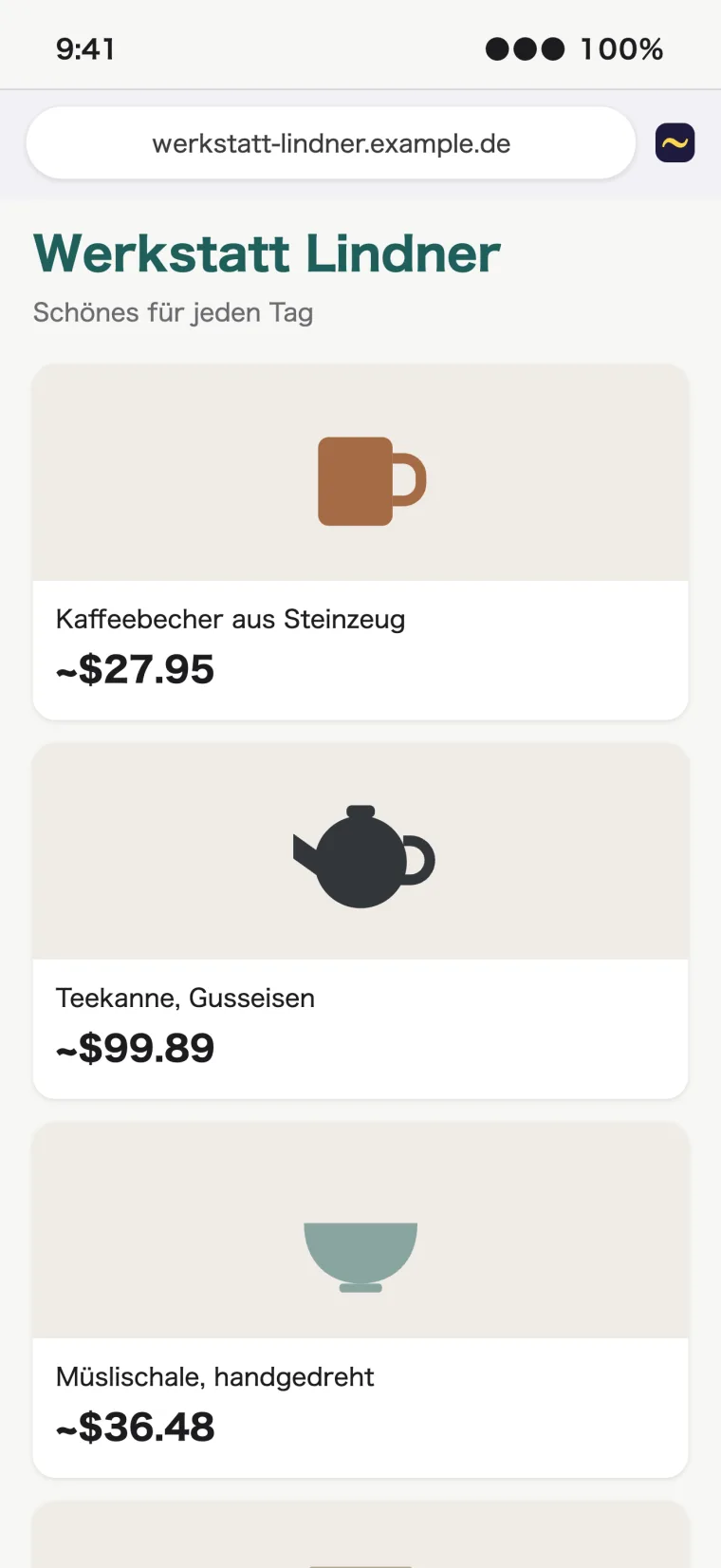
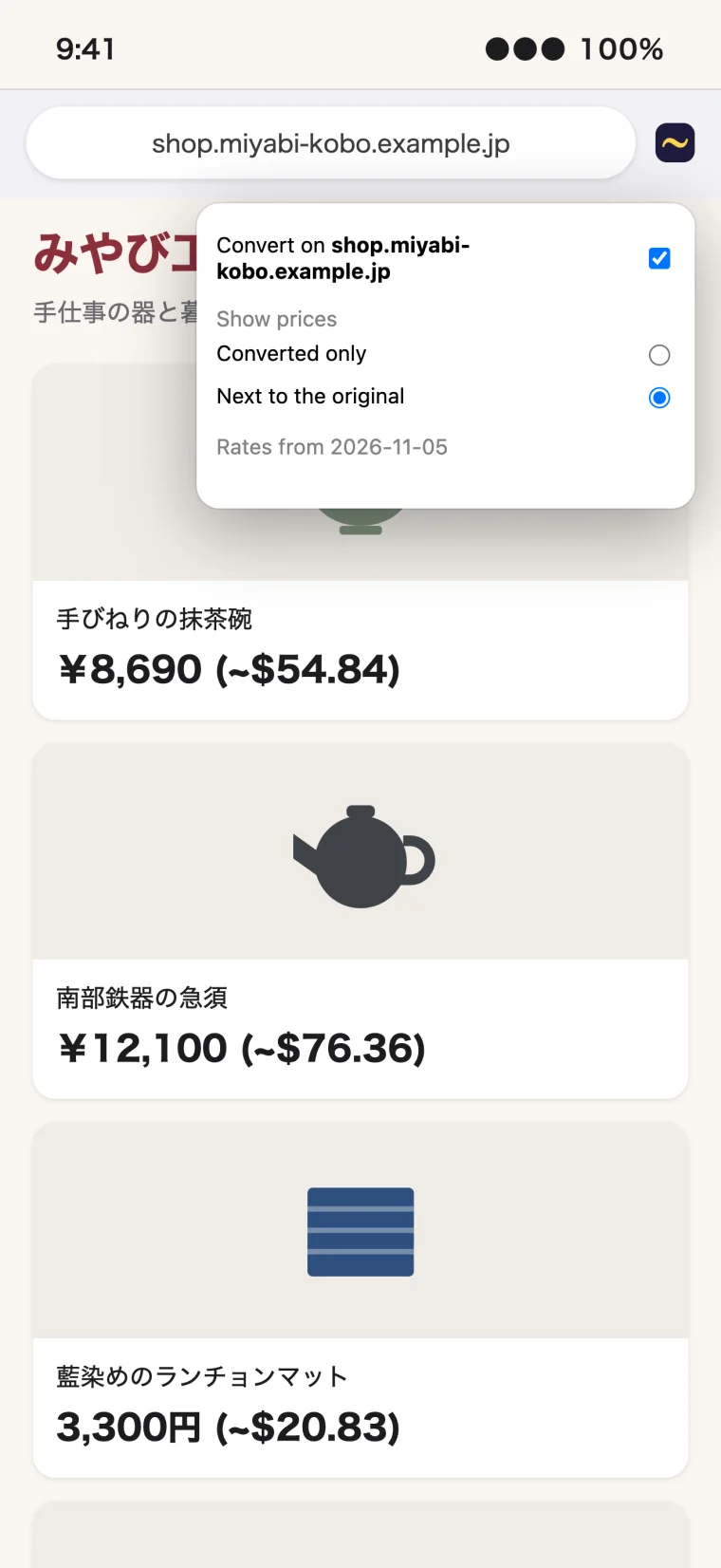
Prefer one number per price? Switch to "Converted only" and foreign prices are replaced with yours. Turning Roughly off brings the originals straight back.
Open Roughly from Safari's toolbar to change how prices look, or to leave a website alone. Anything you type is safe too: Roughly never touches search boxes, forms or other text fields.
The shops on this page are made up. Their prices were converted by Roughly itself, at sample rates.
Open the Roughly app and choose the money you think in. That's the only setting you need.
Enable the extension in Safari's settings, then allow it on the websites you'd like.
Prices appear in your currency as pages load. Exchange rates update on their own.
Safari on iPhone and iPad with iOS or iPadOS 17 or later, and on Mac with macOS 14 or later.
That the price is a close estimate, there to give you a feel for the cost. What you actually pay depends on your bank or card.
Usually because its symbol could mean several currencies and the page doesn't say which, like a bare $ on an international site. Prices already in your currency stay as they are too, and Roughly doesn't yet reach inside embedded frames.
From Frankfurter, a free service that publishes rates from central banks. Roughly checks for new ones about twice a day and keeps a copy on your device, so converting a price never waits on the network.
To find prices it has to read the text of the page you're on. That happens on your device and nothing is sent anywhere. There's no account and no tracking. You can allow it site by site in Safari. The privacy policy has the details.
Open the test page. It lists prices in dozens of currencies and formats, and shows which ones Roughly converted.

Roughly is coming soon to the App Store for iPhone, iPad and Mac.